

Add the Codat widget
to your Shopify store
No technical knowledge needed. Follow the steps below and the widget appears automatically on all product pages.
Open the Shopify editor
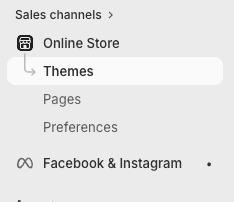
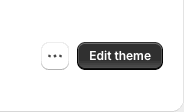
From the Shopify admin, go to Online Store → Themes and click the Customize button next to your active theme.
Go to a product page
In the top bar of the editor, click the page dropdown and select Products → Default product. The widget will appear on all products, not just the selected one.
If you can't find "Default product", select any product from the list, it doesn't matter which.
Add a Custom Liquid block
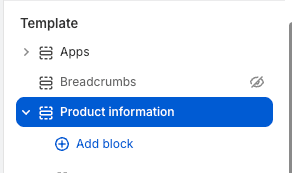
In the left column, under the Product information section, click Add block.
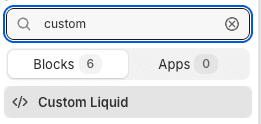
In the window that opens, search for custom and select Custom Liquid.
Copy and paste the script
Copy the code below and paste it into the Liquid code box. Then click Save.
<div id="codat-widget"></div>
<script
  src="https://codat.ro/embed/widget.js"
  data-product="{{ product.title }}"
  data-report-url="{{ product.metafields.custom.codat_url }}"
  data-container="#codat-widget">
</script>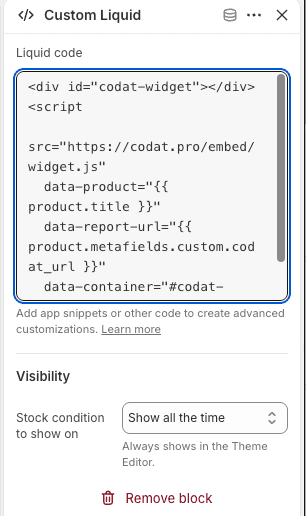
After saving, open any product page and the widget should appear right away.
Add the verification report link
OptionalIf a product has been verified on Codat.ro, you can display the report directly on its page. The widget will show the green card with the "View report" button. If you don't have any verified products yet, you can skip this step.
5A: one time only
Create the "codat_url" field
Before you can add the URL to a product, you need to "tell" Shopify what type of field it is. You do this once.
Go to Settings (the gear icon in the bottom-left corner) → Metafields and metaobjects → Products → Add definition.
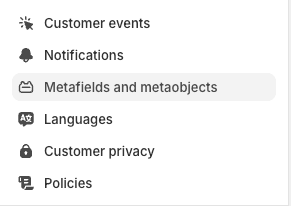
Fill it in exactly like this: Name = codat_url, Type = Single line text. Click Save.
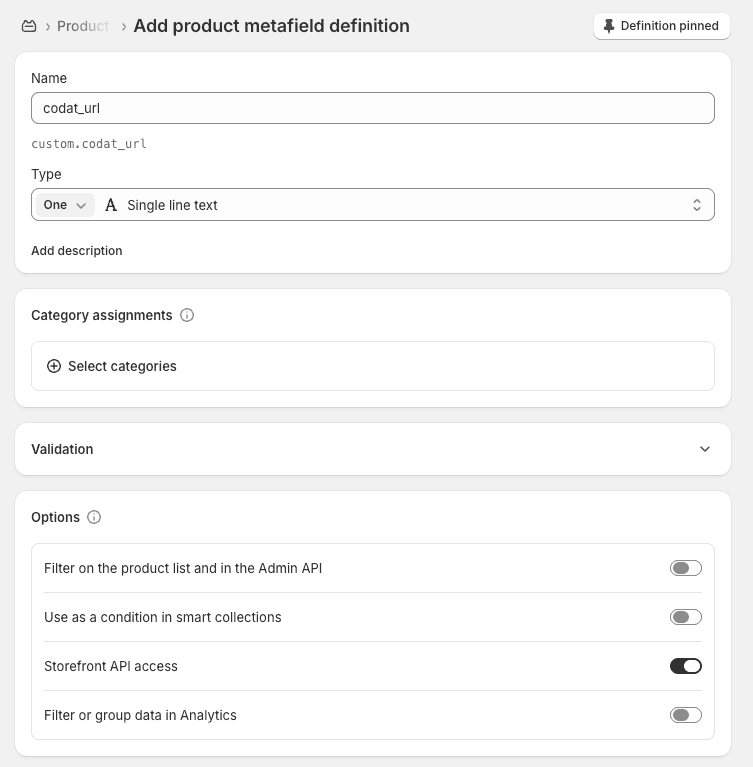
Type exactly codat_url in the Name field, no spaces, no capital letters. Shopify automatically generates custom.codat_url below, that's correct.
5B: on each verified product
Add the report link to the product
Go to Products, open the verified product and scroll down. You'll see the Metafields section with the codat_url field. Paste the report link you received from Codat.ro there and click Save.
The report link looks like this: https://codat.ro/verification?id=...
Done! Here's how it looks on verified products
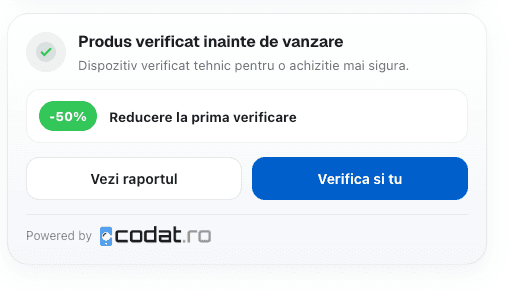
Automatically detected devices
The widget appears automatically if the product title contains one of these words:
Need help?
We'll help you with the integration, completely free.